

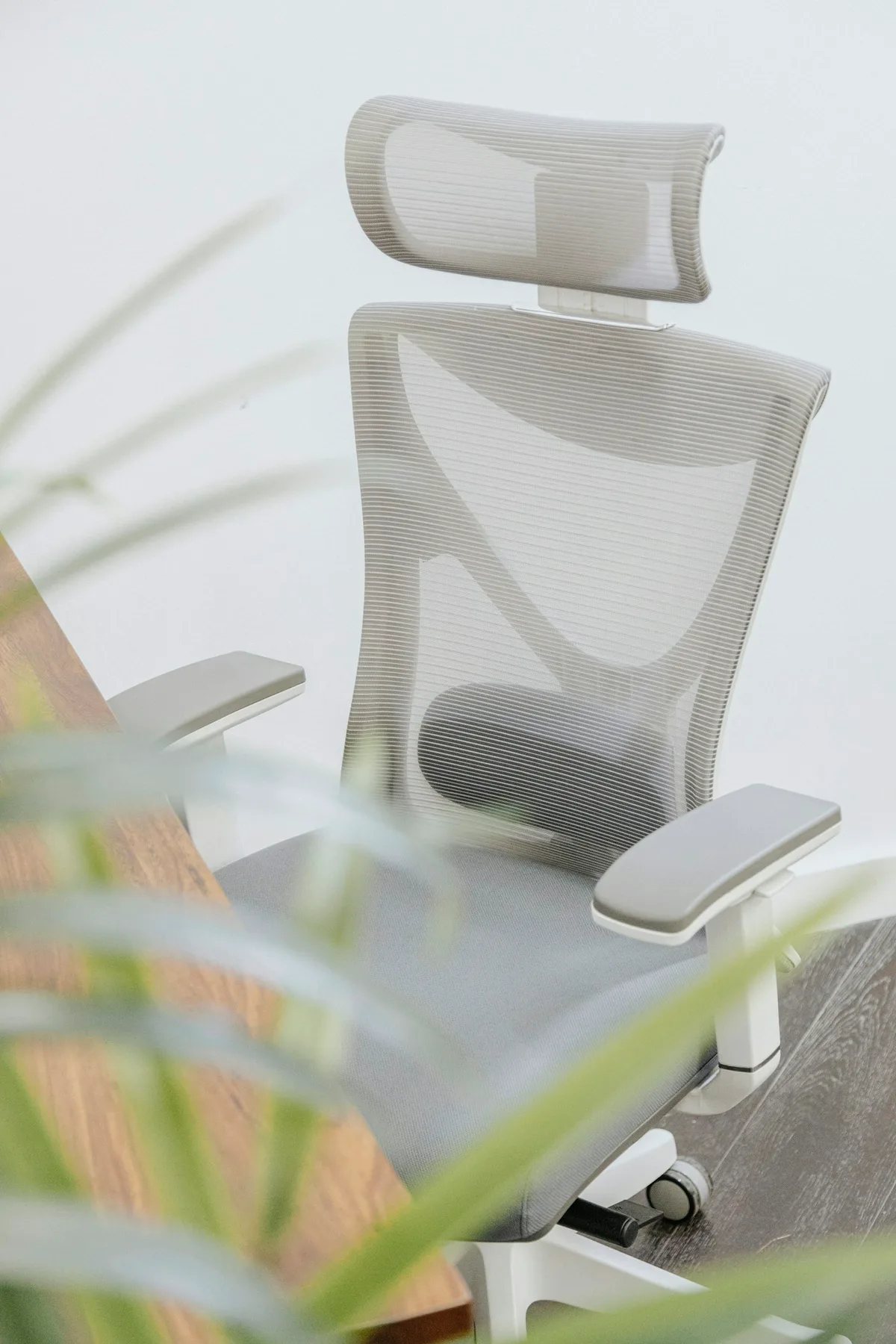
The short answer
Start by adjusting your current chair and desk. When comparing a new chair, check seat height, seat depth and arm support at your actual desk. An ergonomic label cannot tell you whether a chair fits, and a new chair does not replace changing position during the day.
PUT THE GUIDANCE INTO PRACTICE
Products to compare
Choose by fit, then check the current price and return terms at the brand’s store.
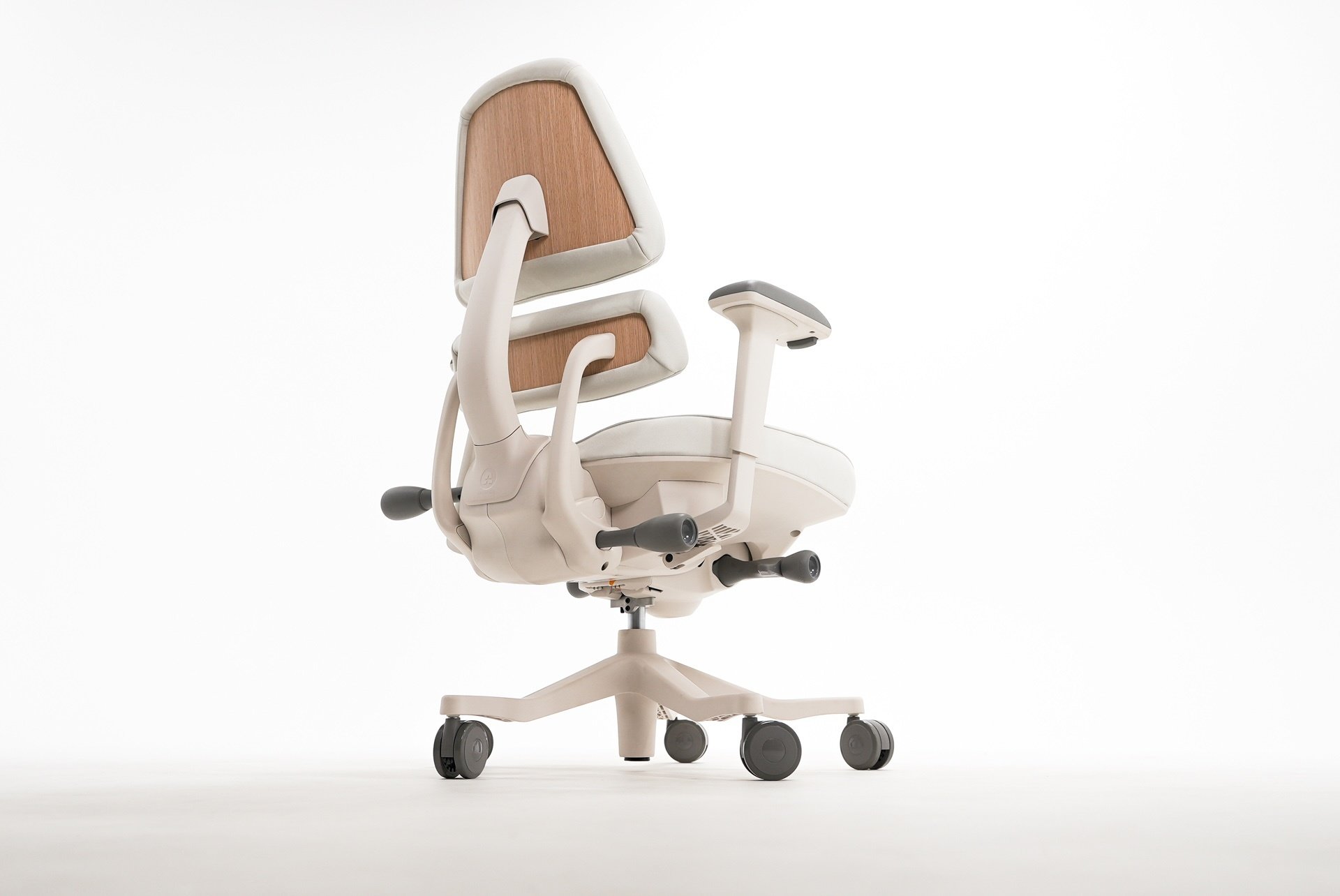
For independently adjustable chair support
Anthros Chair
Fine-tune pelvic and upper-back support at your desk.
Consider: Premium pricing; check seat fit and desk clearance.
Shop Anthros ↗Compare features & terms →Affiliate links: we may earn a commission at no extra cost to you. Purchases, payment and service are handled by the brand. Product features: Anthros source.
Adjust what you already own
Start with your feet supported and your shoulders relaxed. Bring the keyboard and mouse close enough that you are not reaching. If your feet do not reach the floor after setting the seat height, a stable footrest may help.
Compare useful adjustments
Seat height, seat depth and arm support are useful features to compare. Try them rather than relying on a label such as ergonomic. Check whether the seat edge presses behind your knees and whether the arms fit under your desk.
Keep movement in the plan
Even a well-fitted chair is just one part of a workspace. Change position during the day and take breaks from continuous computer work. Buy for fit and usability, not a promise to fix every ache.
Sources
OSHA: computer workstation guidancePractical guidance for fitting a chair, desk, monitor and keyboard to the person using them. It is not a product endorsement.